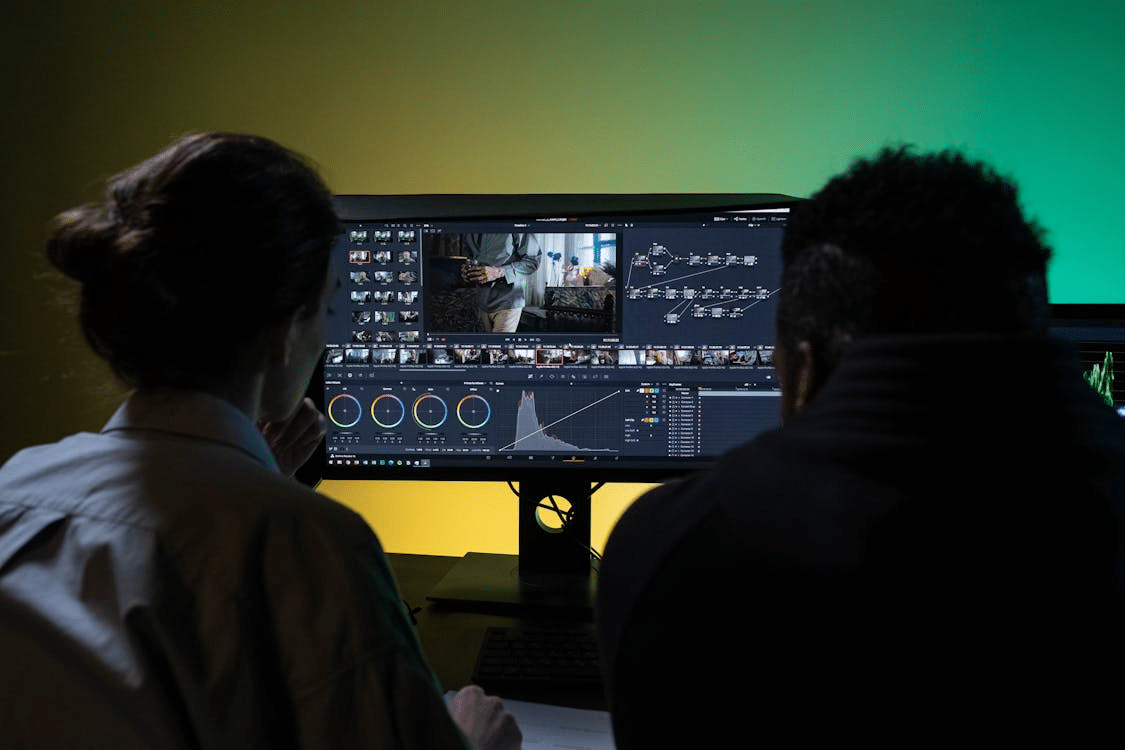
Photo by Ron Lach from Pexels
Photo by Ron Lach from Pexels
Video content dominates every major platform right now, yet most beginners hit the same wall almost immediately. The learning curve for traditional video editing software is steep, the equipment costs are high, and the time investment required to produce even a passable short clip can stretch into days. For content creators, small business owners, and social media marketers who need to publish consistently, that barrier is simply unsustainable.
The good news is that AI has fundamentally changed the equation. You no longer need a film school background or a professional editing suite to produce video content that looks polished and performs well. What you do need is the right platform and a basic understanding of how to use it effectively. This guide walks you through the entire process — from zero experience to publishing your first AI-generated video — in clear, actionable steps.
Pollo AI Free Video Generator Interface
Before diving into the creation process, it helps to understand what modern AI video tools actually require from you. The answer is remarkably little. You need a clear idea of what you want to communicate, a device with internet access, and a platform capable of translating your intentions into finished video content.
Subscribe to our daily newsletter
By providing an email address. I agree to the Terms of Use and acknowledge that I have read the Privacy Policy.
This is where the choice of platform matters enormously. Pollo AI is an AI video generator that integrates leading image and video models into a single environment, supporting text-to-image, text-to-video, and image-to-video workflows. It aggregates over a hundred AI creative applications, making it possible to produce cinematic-quality footage, social media content, and virtual avatars without any professional editing skills. For beginners, the breadth of capability within one interface removes the need to research, subscribe to, and learn multiple separate tools.
AI video generation uses machine learning models trained on vast datasets of visual content to produce video from text descriptions, still images, or a combination of both. When you type a description of a scene, the model interprets that language and constructs corresponding visual output — motion, lighting, composition, and style included.
The quality of that output depends on both the underlying model and the specificity of your input. Better prompts consistently produce better results, which is why learning to write effective descriptions is one of the most valuable skills you can develop as an AI video creator.
Different AI models have different strengths. Some are optimized for cinematic realism, others for stylized or animated aesthetics, and others for speed and efficiency. Platforms that offer access to multiple models give you the flexibility to match your tool to your specific creative goal rather than forcing every project through the same pipeline.
Start with a single, clear sentence that describes what you want your video to achieve. Who is watching it? What should they feel or do after watching? This clarity will inform every decision that follows, from the visual style you choose to the length of the clip.
Pollo AI All-in-One Text to Video Models
Create your account on the platform and spend five to ten minutes exploring the interface before starting your first project. Familiarize yourself with the generation modes available — text-to-video, image-to-video, and any specialized templates or presets. Understanding the layout before you begin reduces friction significantly and helps you move more efficiently once you are in a creative flow.
This is also the stage where you should review the available AI models. Pollo AI, functioning as a capable AI video generator, provides access to top-tier models including Pollo 2.5, Sora 2, and Kling, each suited to different visual styles and output requirements. Taking a few minutes to understand what each model is optimized for will help you make better choices throughout your project.
This is where most beginners underinvest their effort, and it shows in the results. A strong video prompt includes the subject of the scene, the setting or environment, the mood or lighting, the camera angle or movement if relevant, and the overall visual style. Compare these two approaches:
A weak prompt might read: “a person walking in a city.” A stronger prompt would read: “a young professional walking through a busy downtown street at golden hour, shot from a low angle with a shallow depth of field, cinematic and warm in tone.”
The second version gives the AI model significantly more to work with and will consistently produce more usable output.
Submit your prompt and review the output critically. Ask yourself whether it matches your intended tone, whether the motion feels natural, and whether the visual quality meets your publishing standard. If the result is not quite right, adjust your prompt rather than accepting a suboptimal output. Small changes in wording can produce noticeably different results, and iteration is a normal part of the process — not a sign that something has gone wrong.
Once you are satisfied with the output, export in the format and resolution appropriate for your intended platform. Different social media channels have different optimal specifications, so check the requirements for wherever you plan to publish before exporting.
Once you are comfortable with the basic workflow, a few techniques will help you push the quality of your output noticeably higher.
Specificity is your most powerful tool. The more precisely you describe what you want — including details about color palette, texture, emotional tone, and camera behavior — the more accurately the model can execute your vision.
Use style references strategically. Many platforms allow you to specify visual styles by referencing established aesthetic categories. Terms like “noir,” “documentary,” “stop motion,” or “hyper-realistic” give the model clear stylistic direction that generic descriptions cannot provide.
Think in sequences, not single clips. Even short-form content benefits from a sense of visual progression. Plan your prompts with a beginning, middle, and end in mind, and consider how individual clips will connect when assembled.
Pollo AI Consolidated Video and Image Models Suite
Once you have mastered the basics, the Text to Video AI capabilities within Pollo AI open up a significantly wider creative range. The workflow is straightforward — you input a text description, and the platform generates a complete video clip, automatically matching cinematic-quality audio where applicable and offering a wide range of creative styles to choose from.
What makes this feature particularly valuable for content creators and small business owners is the speed. A social media clip that might have taken a full day to script, film, and edit can be produced in a fraction of that time, freeing up capacity for strategy, engagement, and other high-value work.
The platform’s Text to Video AI tools support professional video production across social, commercial, and cinematic formats, making it equally useful for a solo creator posting daily content and a small marketing team producing campaign assets.
Rushing the prompt-writing stage is the most common and most costly mistake. Many beginners treat the text input as a minor step and then wonder why the output does not match their vision. The prompt is the foundation of everything that follows — treat it accordingly.
Expecting perfection on the first generation is another common misstep. Iteration is part of the process, and experienced users typically run several variations before settling on a final output. Build that expectation into your workflow from the start.
Ignoring model selection is a subtler but equally impactful error. Using a photorealism-optimized model for an animated-style project, or vice versa, will produce results that feel off regardless of how well-written your prompt is.
Generation times vary depending on the model and clip length, but most short-form outputs are ready within a few minutes.
Usage rights vary by platform. Always review the terms of service for the specific platform you are using before publishing AI-generated content commercially.
AI video creation has removed the technical barriers that once made video production inaccessible to most people. With the right platform and a basic understanding of how to write effective prompts, anyone can produce high-quality video content — regardless of their editing background or budget.
Subscribe to our newsletter!
By providing an email address. I agree to the Terms of Use and acknowledge that I have read the Privacy Policy.
Leave a Reply