Geeky Gadgets
The Latest Technology News
By 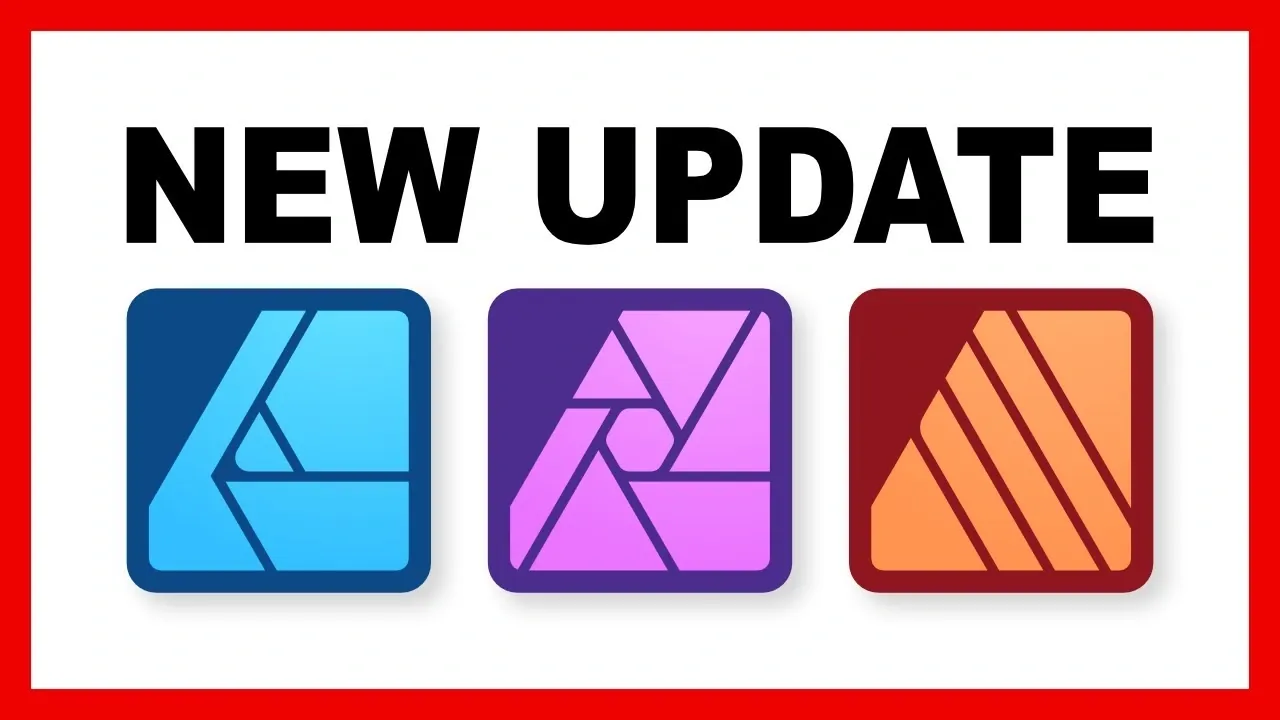
What if you could transform your entire creative workflow with just one update? That’s exactly what Affinity promises with its biggest update ever, a bold leap forward that’s turning heads across the design world. Imagine no longer needing to juggle multiple apps or wrestle with disjointed tools; instead, you have a single, unified platform where photo editing, vector design, and publishing flow seamlessly together. This isn’t just an upgrade, it’s a reimagination of how creative professionals and hobbyists alike approach their craft. With a mix of accessibility, innovative features, and a fresh pricing model, Affinity’s latest transformation is poised to reshape the creative landscape.
Below the Affinity Revolution team takes you through how Affinity’s new unified platform is more than just a convenience, it’s a fantastic option. From streamlined workflows that eliminate app-switching headaches to a dual-tier pricing model that balances free accessibility with premium AI-powered tools, this update has something for everyone. Whether you’re curious about the innovative features in the free version or eager to see how AI tools can elevate your designs, there’s plenty to discover. As we delve into the details, you’ll see why this isn’t just another software update, it’s a bold vision for the future of creativity.
TL;DR Key Takeaways :
The update consolidates Affinity’s three flagship programs, Photo, Designer, and Publisher, into one cohesive application, now simply called Affinity. This integration eliminates the need to switch between separate apps, allowing users to seamlessly transition between tasks such as photo editing, vector design, and publishing within the same project.
The unified interface is designed to optimize workflows. Users can customize tools and layouts to align with their creative processes, saving time and improving efficiency. For instance, you can edit a photo, create vector graphics, and design a publication, all without leaving the app. This streamlined approach not only reduces complexity but also enhances productivity, making it easier to manage multi-faceted projects.
One of the most notable changes is Affinity’s adoption of a dual-tier pricing model. The core app is now available for free, granting access to all previously existing tools at no cost. For users who require advanced capabilities, a subscription option unlocks a suite of AI-powered tools. The subscription, branded as Canva Pro, is priced at $15 per month or $120 annually.
This pricing model strikes a balance between accessibility and premium functionality. The free version ensures that essential tools remain available to all users, while the subscription caters to professionals and enthusiasts who need advanced features to push creative boundaries.
Master AI art with the help of our in-depth articles and helpful guides.
The free version of Affinity has been enhanced with several new tools, broadening its appeal across various creative disciplines. These additions include:
These features ensure that the free version remains a robust and versatile tool, capable of handling a wide range of creative projects without the need for additional costs.
For those who opt for the Canva Pro subscription, Affinity introduces a suite of AI-powered tools designed to simplify complex tasks and expand creative possibilities. These tools include:
While these tools offer significant time-saving benefits, they are not without limitations. For example, AI-generated edits may require manual fine-tuning to achieve the desired level of precision. Additionally, output resolution for AI-generated content is currently capped at lower levels, which may not meet the needs of all users.
This update represents a pivotal moment in Affinity’s evolution, blending accessibility with advanced features to cater to a diverse audience. For most users, the free version provides a comprehensive set of tools capable of delivering professional-quality results. However, the subscription-based AI tools offer additional value for those working in fields such as photo editing, digital art, and graphic design, where innovative capabilities can make a significant difference.
By integrating its programs into a single platform and offering a flexible pricing model, Affinity has positioned itself as a versatile solution for creative professionals and hobbyists alike. Whether you choose to stick with the free version or explore the subscription-based features, this update ensures that you have the tools needed to bring your creative visions to life.
Media Credit: Affinity Revolution
Disclosure: Some of our articles include affiliate links. If you buy something through one of these links, Geeky Gadgets may earn an affiliate commission. Learn about our Disclosure Policy.
Leave a Reply