
If you have ever asked an AI tool for a simple Diwali sale poster and got back a lovely image with the word “SALE” spelled like “SAEL”, Canva thinks it has a fix. The design platform used by students, shop owners and social media managers everywhere has built its own AI image model, and it works a little differently from the ones you already know.
Canva on Thursday, October 22, 2026, launched Canva Craft, the first image generation model made in-house by the Australian company. Instead of jumping straight from your prompt to a picture, Craft first draws up a design plan, then generates the image. It is live for all Canva users through the Dream Lab tool, and Canva says it will also come to its API and to AI chatbots later.
Quick Facts
- Who: Canva, with help from researchers at Leonardo.ai, which Canva bought in 2024
- What: Canva Craft, the company’s first in-house AI image generator
- When: Launched October 22, 2026
- Where: Available to Canva users worldwide via Dream Lab
- Key numbers: Images up to 2K resolution, in 30-plus aspect ratios
What Is Canva Craft and How Does It Work?
Most image generators take your words and start painting pixels right away. Craft splits the job into two steps.
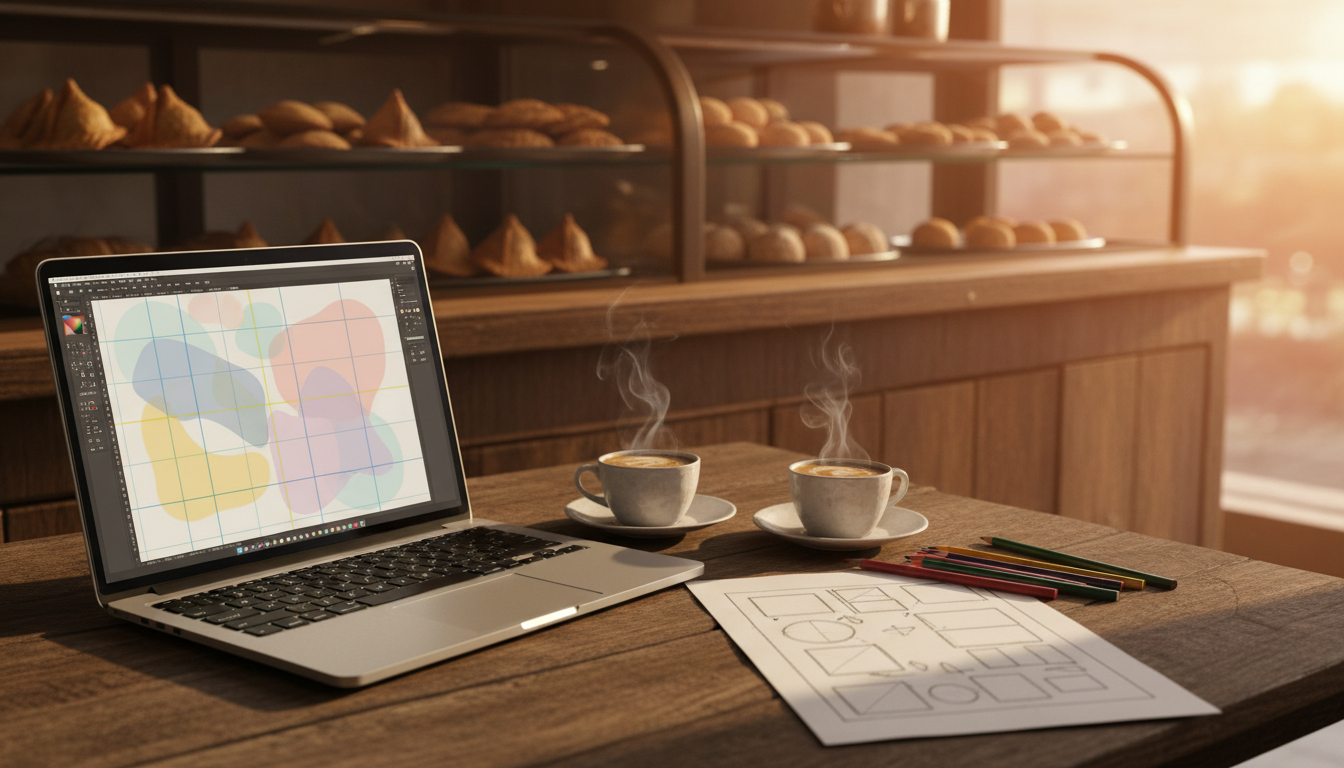
In step one, the model reads your prompt and builds a plan. That plan covers where each element sits, how big things are compared to each other, what should catch the eye first, and what text needs to appear. Think of it as a quick rough sketch a designer makes on paper before opening any software.
In step two, it actually generates the image, at up to 2K resolution and in more than 30 aspect ratios. That covers the usual suspects: Instagram posts, Stories, YouTube thumbnails, presentation slides and print posters.
Canva says this approach gives “greater precision, consistency and control”. In plain terms, the promise is cleaner text, objects placed where you asked, and the ability to tweak one part of an image without the whole thing changing.
Trained on Templates, Not Just Photos
Here is the part that makes Craft unusual. Canva trained it on millions of human-made templates from its own library: posters, social posts, presentations, infographics, menus and text-heavy layouts. Most rival models learn mainly from photographs.
That matters because design is not the same as photography. A restaurant menu or a wedding invite is mostly about layout and lettering. A model that has studied thousands of real menus should, at least in theory, know that prices line up on the right and that the café name goes at the top.
There is another handy trick. Images made with Craft can be turned into layered, editable designs using Canva Magic, the company’s image-to-design tool. So if the AI gets the headline font wrong, you can fix just that layer instead of rolling the dice on a whole new image.
Why Canva Built Its Own AI Image Model
Until now, Canva has leaned on several outside AI models to power its image features. Every image a user generated meant paying someone else. Owning the model should bring those API costs down and give Canva more say over quality and speed.
Money is part of the story too. TechCrunch reports that Canva was on track for about $4 billion in revenue last year, but it has since trimmed its 2026 growth forecast, and analysts reportedly estimate its valuation has slipped from $42 billion to around $35 billion. Cheaper, better in-house AI is one way to protect margins while competing with OpenAI, Google, Meta and ByteDance, all of which now offer strong image tools.
Early outside testing looks decent. According to reports, Craft placed fourth on Design Arena, a crowdsourced leaderboard of AI image models, behind three of OpenAI’s GPT-Image models. That is not first place, but it is a strong debut for a company better known for templates than research labs.
Why This Matters for Canva Users in India
Canva has a huge following in India, from college students making project slides to kirana shops and home bakers designing WhatsApp flyers. For them, the most annoying failure of AI images has always been text. A festive offer poster is useless if the discount reads “50% OFF” in garbled letters.
If Craft really handles text and layout better, it could save small businesses a few hours a week and maybe the cost of hiring a freelancer for simple posts. Teachers and students also get a tool that sits inside an app they already use, rather than juggling a separate AI subscription.
What We Don’t Know Yet
- Canva has not shared detailed pricing for Craft, or whether usage limits for free accounts have changed.
- How well it handles Indian languages like Hindi, Tamil or Bengali in text-heavy designs has not been tested publicly.
- Release dates for the faster, cheaper Craft versions and for chatbot integrations through Canva’s MCP have not been given.
What This Means for You
- Try it from Dream Lab: Open Canva, click the three-dots option in the left menu and choose Dream Lab.
- Be specific in prompts: Since Craft plans layouts, say what goes where, for example “shop name at top, 30% off in the centre, address at the bottom”.
- Proofread every word: Better text rendering does not mean perfect. Check spellings, prices and phone numbers before you print or post.
- Use layers to fix mistakes: Convert the image into an editable design and change just the part that is off.
- Watch your credits: Dream Lab has usage caps, especially on free accounts, so check your remaining limit before running dozens of attempts.
Our Take
Canva is not trying to make the prettiest AI art on the internet. It wants to make the most usable poster, and that is a smarter target for its audience. Training on real templates instead of stock photos is a sensible bet. The real test will be whether a home baker in Indore can type one sentence and get a flyer they can print without fixing anything. If Craft gets close to that, it will matter more than any leaderboard rank.
FAQs
What is Canva Craft?
Canva Craft is Canva’s first in-house AI image generation model, launched on October 22, 2026. It plans a design layout first and then generates the image.
Is Canva Craft free to use?
Craft is available to all Canva users through Dream Lab, including free accounts. However, Dream Lab has usage limits, and paid plans get more generations.
How do I use Canva Craft?
Log in to Canva, open the three-dots menu on the left side and select Dream Lab. Type a detailed prompt describing your design and pick an aspect ratio.
How is Canva Craft different from ChatGPT or Gemini image tools?
Craft was trained mainly on design templates rather than photos, and it creates a layout plan before drawing. Its images can also be turned into layered, editable Canva designs.
Is Canva Craft available in India?
Yes. Canva says Craft is rolling out to users worldwide, so Indian users can find it in Dream Lab now.
Based on reporting by TechCrunch, The Verge, Runtime Wire and Hortolândia News.


Leave a Reply