Geeky Gadgets
The Latest Technology News
By 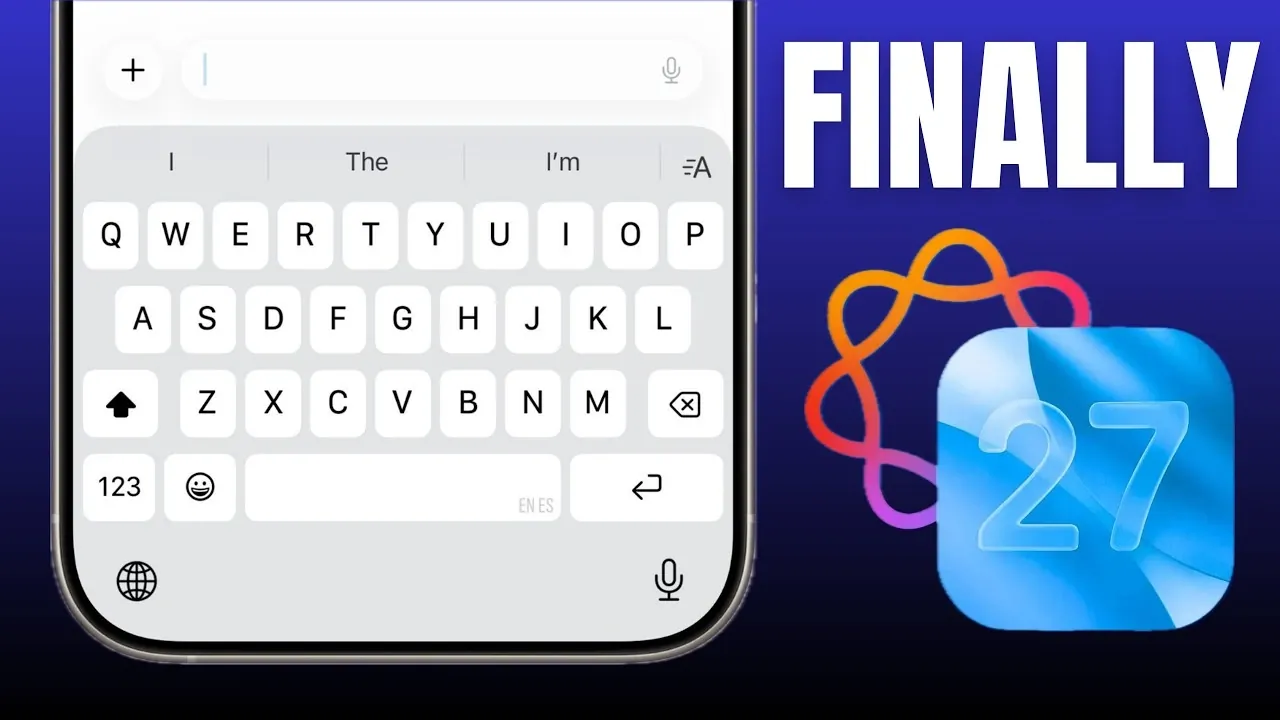
Apple is reportedly preparing a substantial update for iOS 27, focusing on a smarter Siri and an AI-enhanced keyboard. These updates aim to redefine how you interact with your device, emphasizing efficiency and intuitiveness in daily tasks. By integrating advanced artificial intelligence, Apple seeks to deliver tools that are not only innovative but also practical for a wide range of users. Here’s a detailed look at what these updates could mean for your Apple experience. The video below from SaranByte gives us more details.
The iOS 27 keyboard is set to receive a fantastic upgrade, incorporating advanced AI capabilities to enhance its functionality. Unlike the current system, which primarily focuses on correcting typos, the updated keyboard will aim to adapt to your unique writing style, offering more personalized and context-aware suggestions.
Key features expected in the new keyboard include:
These improvements could make composing emails, messages, or documents directly on your device more seamless and polished. Whether you’re drafting a quick text or preparing a formal overview, the smarter keyboard aims to provide tools that cater to both casual users and professionals, making sure a smoother writing experience.
Siri is poised for a significant overhaul in iOS 27, addressing long-standing limitations and introducing advanced natural language processing. The updated Siri is rumored to handle multiple commands in a single sentence, such as, “Set an alarm for 7 AM and play my morning playlist.” This marks a shift toward a more conversational and context-aware assistant.
Potential enhancements to Siri include:
These updates aim to make Siri a more versatile and reliable assistant, capable of handling complex tasks with ease. By focusing on contextual understanding and multitasking, Apple is working to position Siri as a central tool in your daily digital interactions.
The Shortcuts app is also rumored to benefit from AI integration, making it easier than ever to create custom workflows. Instead of manually configuring shortcuts, users may soon be able to describe their desired automation in plain language. For instance, you could say, “Create a shortcut to send a daily weather update to my family,” and the system would generate it automatically.
This approach could:
By simplifying the process, Apple aims to empower users to take full advantage of automation, integrating it seamlessly into their daily routines.
At the core of these updates is a unified AI system that connects Siri, the keyboard and other features. This cohesive approach ensures that improvements are not only innovative but also practical and user-friendly. For example:
This strategy reflects Apple’s commitment to delivering meaningful advancements that integrate smoothly into your daily life. By unifying its AI capabilities, Apple is creating a more cohesive and intuitive ecosystem that adapts to your needs.
These features were reportedly delayed from iOS 26 to ensure they meet Apple’s high standards for stability and reliability. A preview of iOS 27 is expected at WWDC 2026, with a beta release likely in June. Apple’s decision to prioritize quality over speed underscores its commitment to delivering updates that meet user expectations and maintain the company’s reputation for excellence.
With these updates, Apple is positioning itself as a key player in the competitive AI landscape. By addressing past criticisms of Siri and integrating AI across its ecosystem, Apple is redefining how users interact with their devices. This strategy not only enhances individual features but also strengthens Apple’s position against competitors like ChatGPT and Google’s Gemini.
The rumored updates in iOS 27 highlight Apple’s focus on using AI for practical, everyday improvements. From a smarter keyboard to a more capable Siri, these changes aim to transform how you use your Apple devices. As Apple continues to refine these features, it’s clear that AI will play a central role in shaping the future of iOS.
Browse through more resources below from our in-depth content covering more areas on iOS 27.
Source & Image Credit: SaranByte
Disclosure: Some of our articles include affiliate links. If you buy something through one of these links, Geeky Gadgets may earn an affiliate commission. Learn about our Disclosure Policy.
Leave a Reply