After testing over 30 AI photo editing tools, the best all around choice is YouCam Perfect for its powerful one tap enhancements and intuitive interface, making it ideal for creating high quality social media content quickly and easily.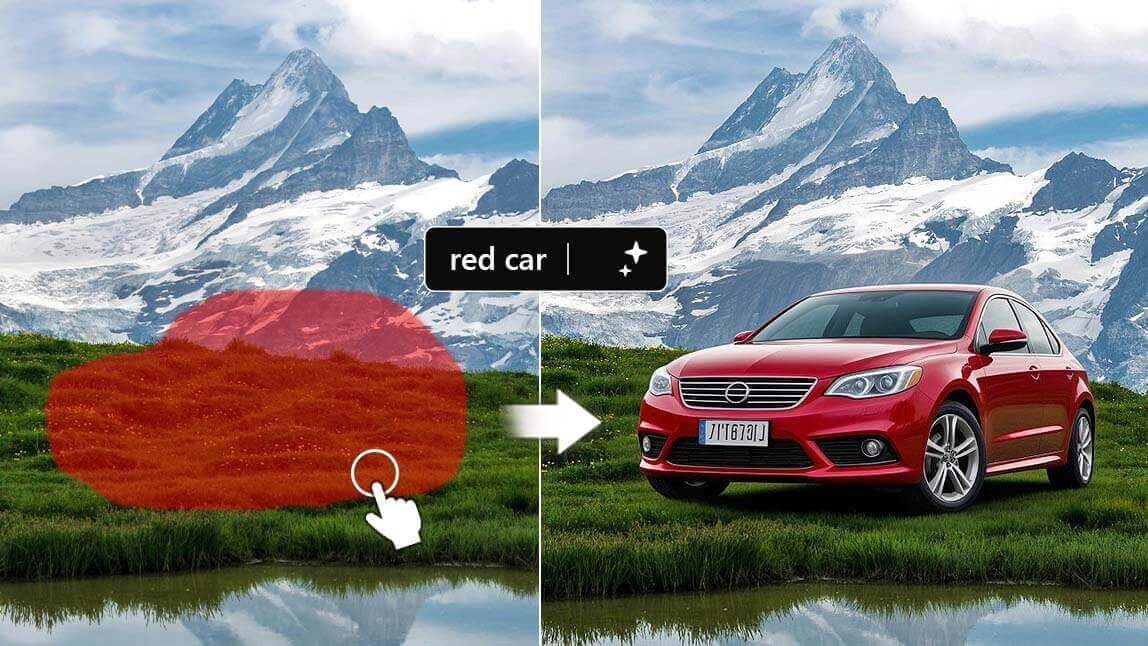
Have you ever spent hours trying to get a photo to look just right? I definitely have. As a content creator and photo enthusiast, I went deep into the world of AI photo editing and tested more than 30 different tools, ranging from simple one tap enhancers to advanced editors with layered controls. I did all the testing so you do not have to.
Whether you’re editing content for social media, creating visuals for clients, or just polishing pics from your last trip, these are the top AI photo editing tools that actually deliver on their promises and make editing feel effortless.
To compile this list, I put more than 30 AI photo editing tools through a hands on testing process using real world images, including portraits, landscapes, and product shots. I did not rely on marketing claims. I used each tool the same way a real user would in everyday editing scenarios.
My testing criteria included:
Overall, I focused on tools that were not just visually flashy, but consistently delivered reliable AI edits that genuinely made photos better, not just different.
Quick Comparison at a Glance:
YouCam Perfect consistently came out on top in my testing for its strong balance of ease of use and genuinely powerful AI features. Its one tap Beautify tool is noticeably smarter than most, delivering natural looking skin smoothing and blemish removal without flattening real skin texture.
What really elevates the experience is its built in AI agent, which turns photo editing into a more conversational and intuitive process. Instead of manually adjusting sliders, you can simply tell the AI agent what you want to change, such as removing a person from the background, keeping skin natural, or making the photo look more polished for social media.
The AI understands your intent and applies edits in a way that feels fast, natural, and surprisingly accurate. The AI Object Removal is also among the best I tested, effortlessly erasing photobombers or distracting background elements and filling in the space naturally with generative AI. Overall, it is a great choice for influencers, content creators, and anyone who wants professional looking photos without spending hours editing.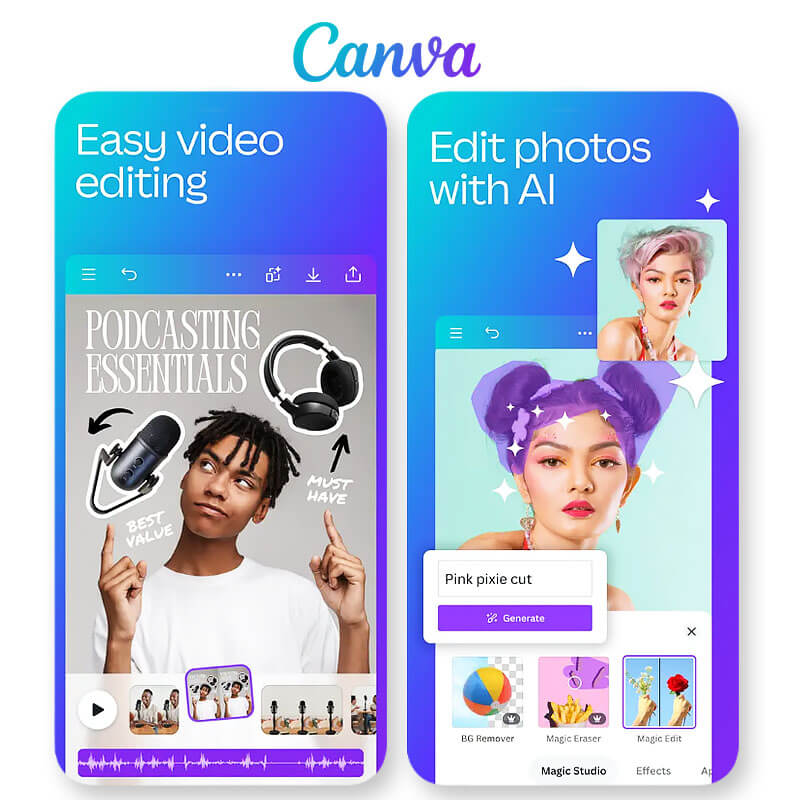
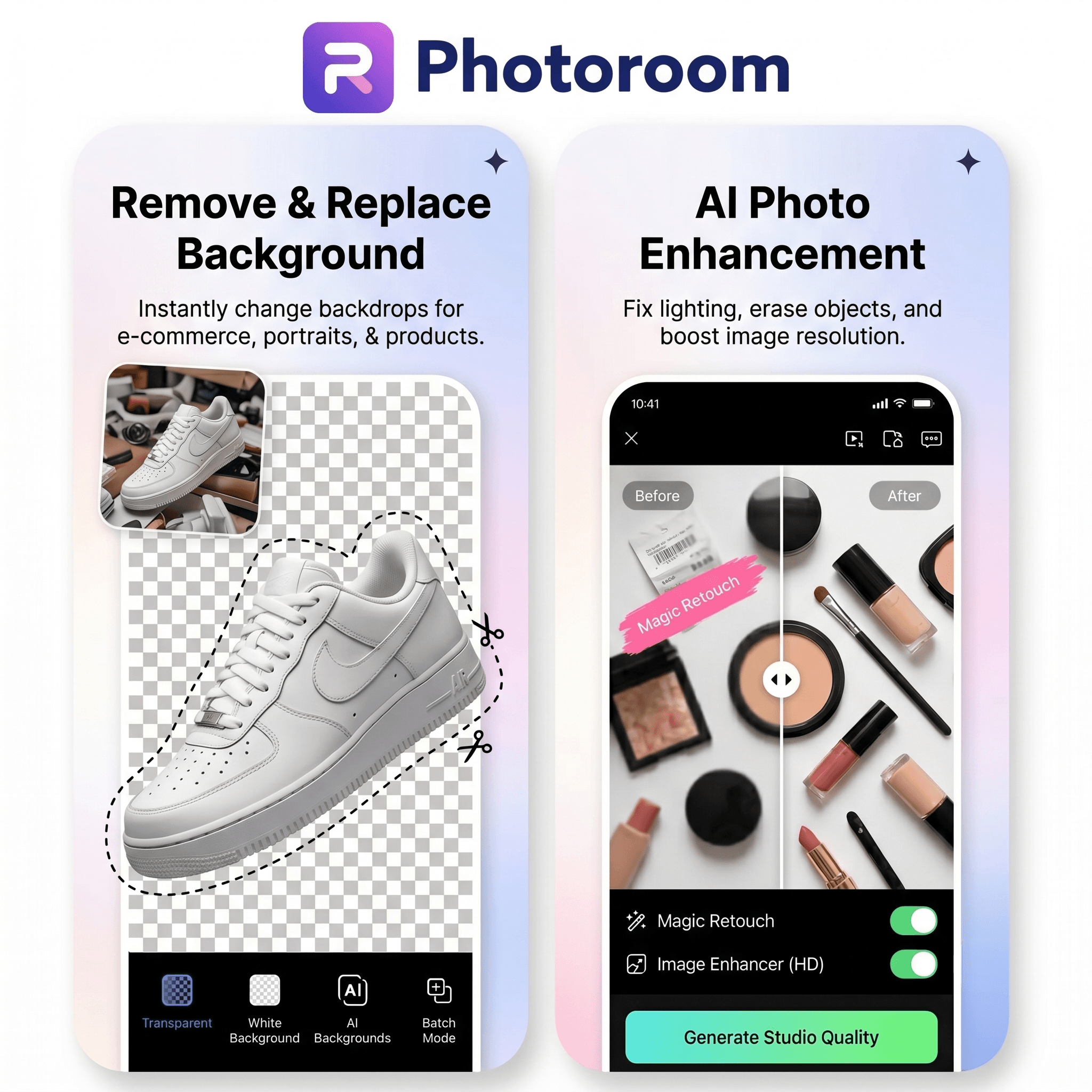
Photoroom stands out as one of the strongest AI photo editing tools for online sellers, brands, and marketers who need professional product visuals without a traditional studio setup. During testing, its AI background removal delivered consistently clean results, while its AI-generated backgrounds and Product Staging tools made it easy to create realistic lifestyle and studio scenes in just a few clicks.
What makes Photoroom different from many general-purpose editors is its focus on e-commerce workflows. Features like batch editing, Virtual Models, and automated product image enhancements help teams create large volumes of consistent, marketplace-ready content quickly. Whether you’re preparing product listings for Shopify, Amazon, or Etsy, Photoroom significantly reduces the time required to produce polished, professional imagery.
While it isn’t designed primarily for portrait retouching or creative social media effects, it excels at product photography and visual merchandising, making it a top choice for businesses that rely on high-quality product images to drive sales.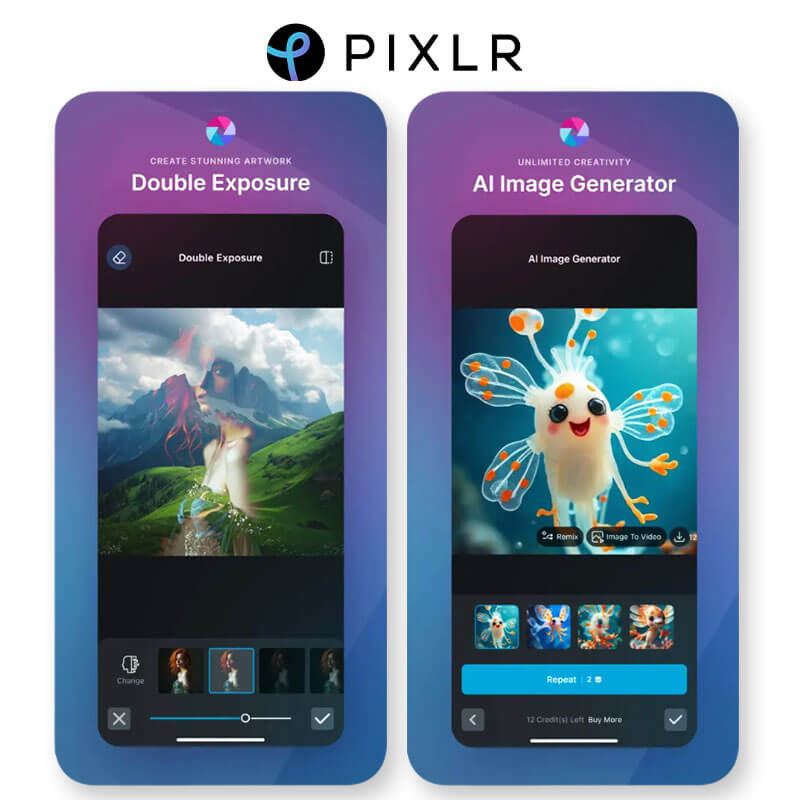
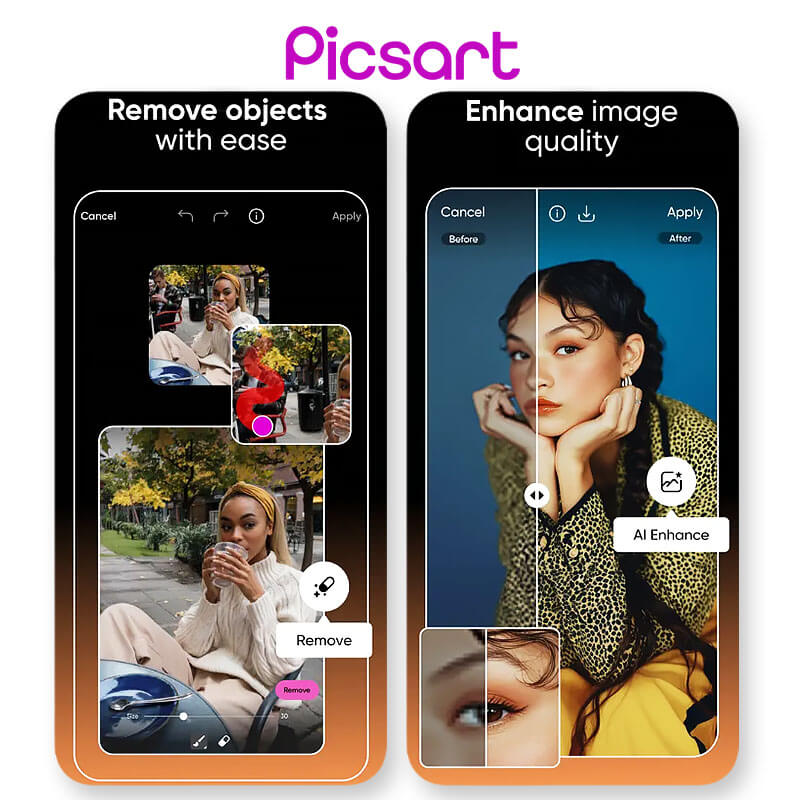
If you want the best AI photo editing tools right now, this list gives you options from simple beautifiers to powerful creative platforms. For everyday portrait tweaks, YouCam Perfect and Glam are strong picks. For more of a design-and-edit combo, Canva and Picsart shine. Try a couple, see what fits your workflow, and don’t be afraid to mix and match. Editing should feel fun, not frustrating.
We are a team of experts on photo and video editing apps. Our goal is to deliver engaging content on everything from stunning selfie edits to eye-catching video effects. We cover the latest trends and share niche tips to help you master digital creation.
Leave a Reply