Geeky Gadgets
The Latest Technology News
By 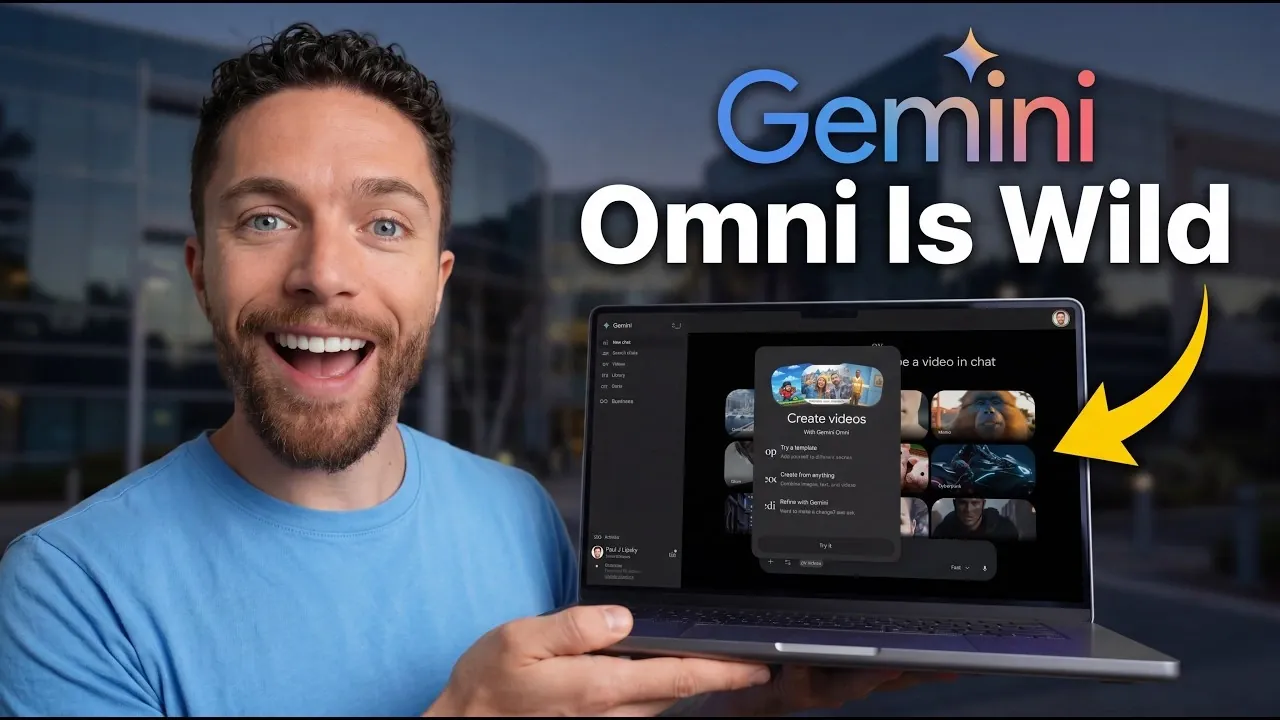
Google’s Gemini Omni is an AI-driven video model that introduces new possibilities for video production. According to Paul Lipsky, one notable feature is the use of personalized avatars that replicate gestures and speech patterns with precision. These avatars can add a relatable, human touch to projects like tutorials or presentations. Despite its potential, the platform currently has a capped 720p resolution and occasional issues with scene continuity, which highlight areas that could benefit from further development.
Explore this overview to understand how predefined templates simplify production workflows, how scene integration contributes to cohesive visuals and how customization options allow for detailed adjustments. This breakdown will provide clarity on both the strengths and limitations of Gemini Omni for a range of creative applications.
TL;DR Key Takeaways :
Omni’s ability to create personalized avatars adds a unique, human touch to video projects. By capturing your movements and voice prompts, the tool generates avatars that mimic your gestures and speech patterns with remarkable accuracy. This feature is particularly valuable for producing character-driven content, such as tutorials, narratives, or presentations. These avatars not only enhance viewer engagement but also provide a dynamic, interactive element that sets your videos apart. Whether you’re creating educational material or promotional content, the avatars ensure a personal connection with your audience.
Omni excels in integrating avatars into diverse environments, whether static images or dynamic video backdrops. Using advanced AI, the tool ensures that avatars interact naturally with their surroundings, creating a cohesive and immersive visual experience. Users can select from a library of predefined templates or craft custom prompts to design unique settings. For example, you might place your avatar in a futuristic cityscape or a serene natural landscape, depending on the tone of your project. This seamless integration allows for creative storytelling while maintaining a professional aesthetic.
Expand your understanding of Google Gemini with additional resources from our extensive library of articles.
To streamline video production, Omni offers a variety of predefined templates that cater to different styles and themes. Options such as “Metallic,” “Meme Me,” and “Indie Pastel” provide ready-made starting points, making it easier for users to jumpstart their projects. These templates are particularly beneficial for those new to video editing or working under tight deadlines. By selecting a template, you can focus on refining details rather than building scenes from scratch, saving time while maintaining creative flexibility.
Omni places a strong emphasis on customization, giving users control over every element of their videos. From adjusting colors and modifying scene elements to tweaking lighting, the tool allows you to align visuals with your creative vision. For instance, if you’re producing a promotional video, you can match the color scheme to your brand’s identity. This level of flexibility ensures that your videos stand out in a competitive digital landscape, reflecting your unique style and objectives.
In addition to generating new videos, Omni offers robust tools for editing existing content. Users can upload videos or images and enhance them with dynamic elements, such as time-lapse effects or animated overlays. The tool also supports the creation of montages by combining multiple clips or images, making it versatile for a wide range of creative needs. These features cater to both novice and experienced users, eliminating the need for advanced technical expertise while expanding creative possibilities.
Omni’s video outputs are capped at 720p resolution, which may not satisfy users seeking ultra-high-definition content. However, the tool compensates with cinematic visuals that maintain a professional appearance. This makes Omni particularly well-suited for platforms like social media, where 4K resolution is often unnecessary. The balance between quality and accessibility ensures that Omni remains a practical choice for a variety of applications, from presentations to online content.
One of Omni’s standout features is its ability to incorporate historical accuracy into video projects. By using search data, the tool ensures that scenes are contextually appropriate. For example, if you’re creating a video set in the 18th century, Omni can generate historically accurate clothing, architecture and other visual elements. This feature is particularly valuable for educational content, documentaries and storytelling projects, adding depth and authenticity to your work.
Omni simplifies the process of sharing videos by providing downloadable links for easy distribution. Whether you’re sharing content across platforms or collaborating with team members, this feature ensures that your videos reach the intended audience without unnecessary complications. The tool’s accessibility further enhances its appeal, making it a practical solution for creators looking to streamline their workflow.
Despite its innovative features, Omni has some limitations. The tool occasionally struggles with maintaining continuity in complex scenes, which can disrupt the flow of videos. Additionally, it does not allow users to use prior videos or images as starting frames, limiting its flexibility for certain projects. These shortcomings highlight areas where future updates could enhance the user experience, making sure greater versatility and reliability.
To promote transparency in AI-generated content, Omni includes an AI-generated watermark on all videos. While this aligns with industry standards for ethical AI practices, it may be a drawback for users seeking unbranded content. The watermark serves as a reminder of the tool’s AI-driven origins, reinforcing its commitment to responsible usage while encouraging authenticity in digital media.
Omni represents a significant advancement in AI-powered video creation, offering a comprehensive suite of tools that cater to both beginners and professionals. From personalized avatars and seamless scene integration to advanced customization and historical accuracy, the platform simplifies and enhances the creative process. While its capped resolution and occasional continuity issues leave room for improvement, Omni’s innovative capabilities make it a valuable resource for content creators, educators and professionals aiming to elevate their video projects.
Media Credit: Paul J Lipsky
Disclosure: Some of our articles include affiliate links. If you buy something through one of these links, Geeky Gadgets may earn an affiliate commission. Learn about our Disclosure Policy.
Leave a Reply