With the power of AI, we now have numerous photo editing tools that enable us to edit photos easily and effectively, even without professional skills.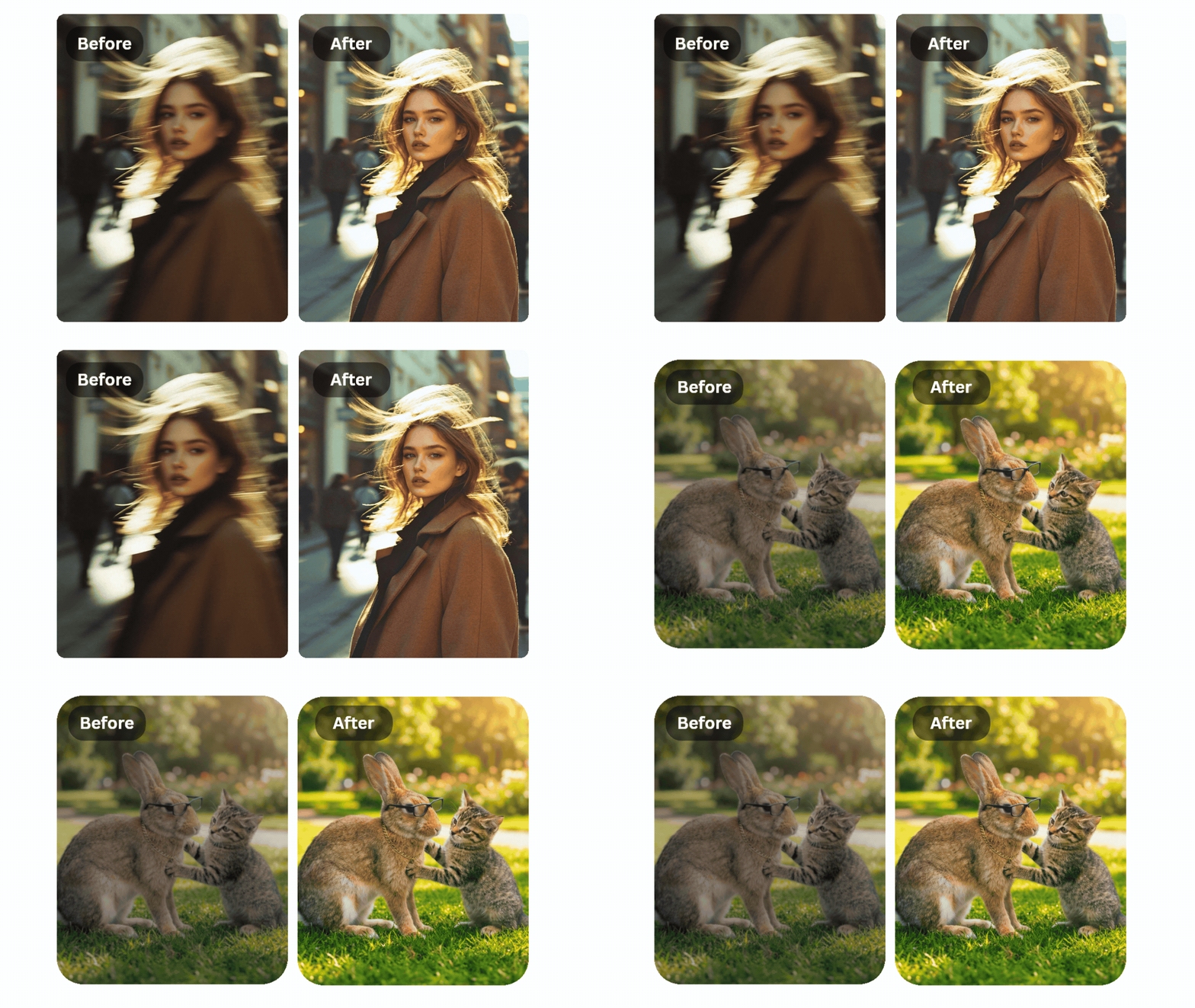
In this article, we tested and summarized the top 17 AI photo editors in 2026, comparing each of the free AI photo editing & Image Generating tools available.
(*Updated on March 26th, 2026, to provide the latest Generative AI tools and introduce new features available for your use!)
Through our testing and evaluation, we have summarized these 10+ free online AI photo editors and AI image generators with excellent AI features that enhance your photo editing process:
Read on to discover a more detailed introduction to these 17 amazing online tools.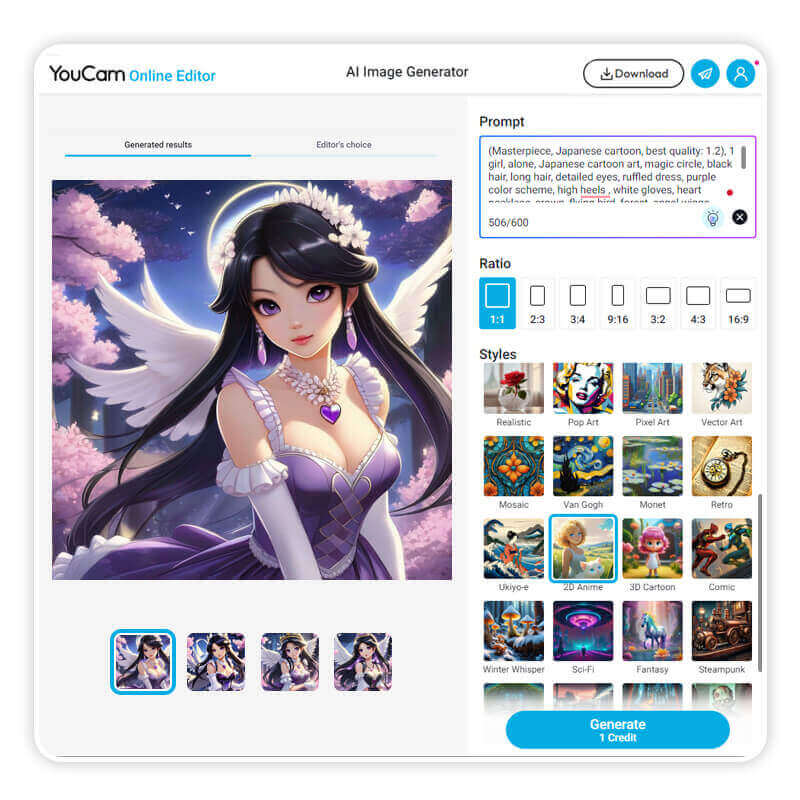
YouCam Online Editor stands out as a versatile AI-driven photo editor and image generator, offering a plethora of editing features for users seeking enhanced creativity. Renowned for its best-in-class portrait generating technology, YouCam ensures authentic and high-quality results, setting a new standard for AI-driven image creation.
With over 30+ dynamic templates powered by Kling AI and Vidu, you can effortlessly bring your photos to life in cinematic style in YouCam Online Editor.
Plus, you can even use text prompts to guide the animation, making your creative vision come alive with just a few words—perfect for social media, storytelling, or just having fun!
Discover the YouCam Online Editor‘s remarkable capabilities with the “AI Background Remover” for seamless background extraction, enabling you to create stunning, personalized visuals effortlessly.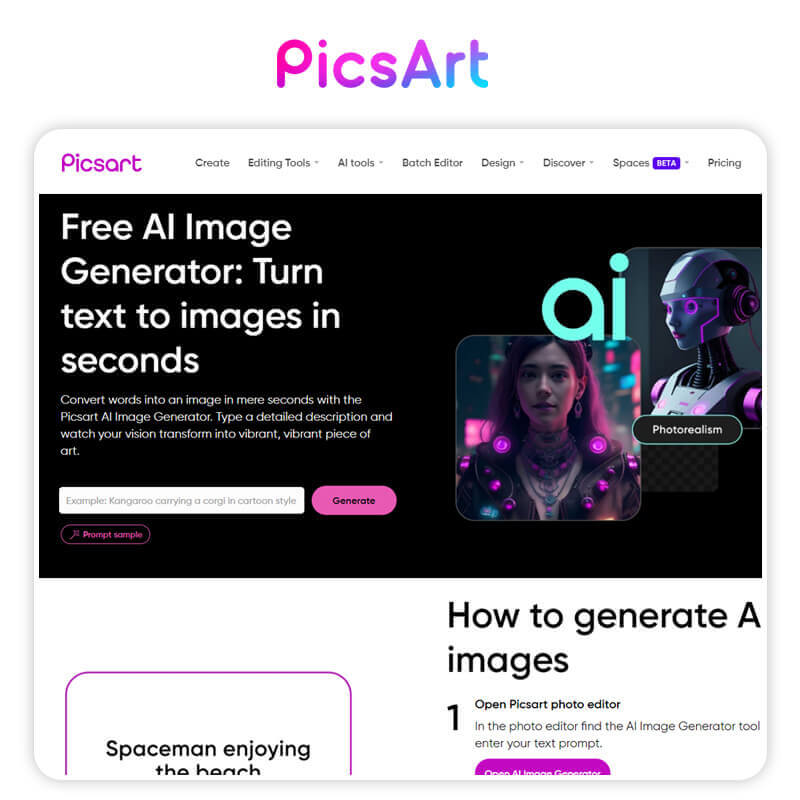
Picsart stands out with its array of 15+ Generative AI-powered features, particularly in the realm of high-quality image generation across various styles. The platform excels in delivering top-notch image creation, showcasing its commitment to providing diverse and superior visual outputs.
With these tools, you can create almost anything, including AI Backgrounds, AI GIFs, AI Logos, AI Stickers, Text Styles, all from a simple ‘text prompt’.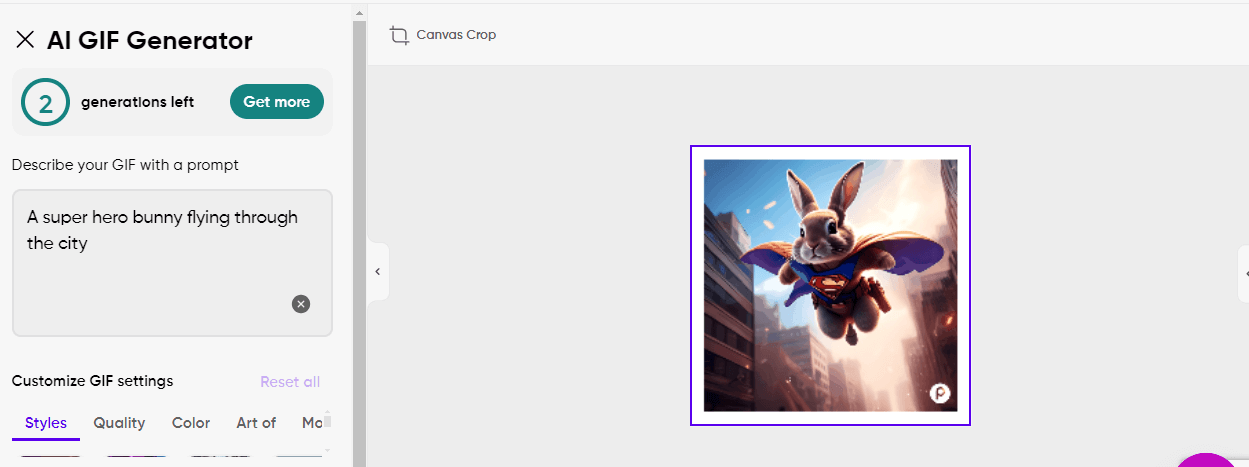
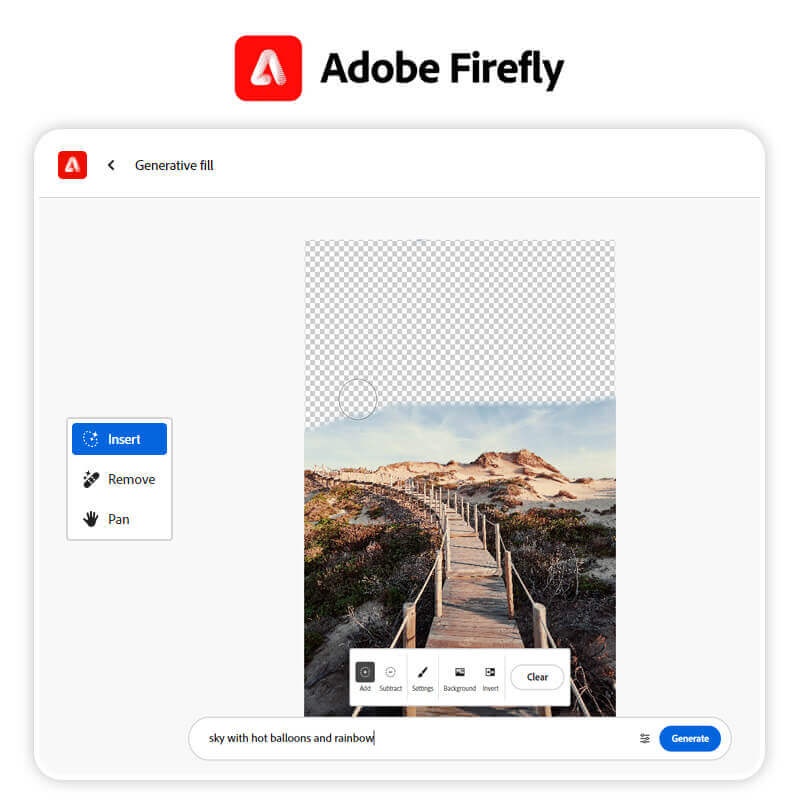
Its standout feature, Generative Fill, combines AI Object Removal, AI Inpainting, and AI Background Generator into one seamless tool, providing unparalleled convenience to users.
Introducing Adobe Firefly’s innovative feature: Generative Fill. With this advanced tool, users can effortlessly remove and edit photos using simple text prompts, streamlining the editing process and unlocking new creative possibilities.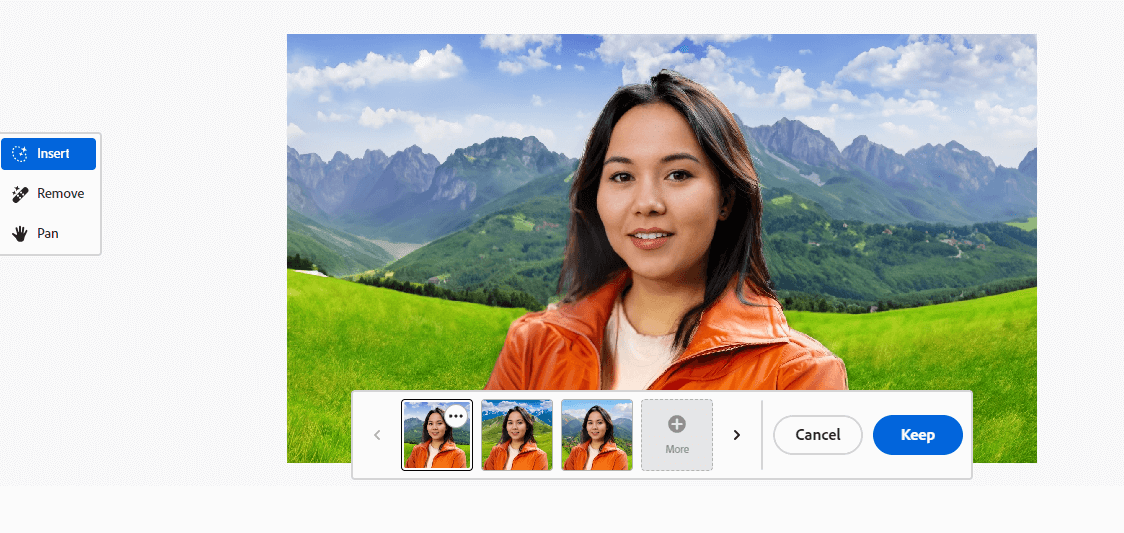
With Adobe Firefly, you can effortlessly manipulate and enhance images, marking a significant leap forward in the realm of creative design and photo editing.
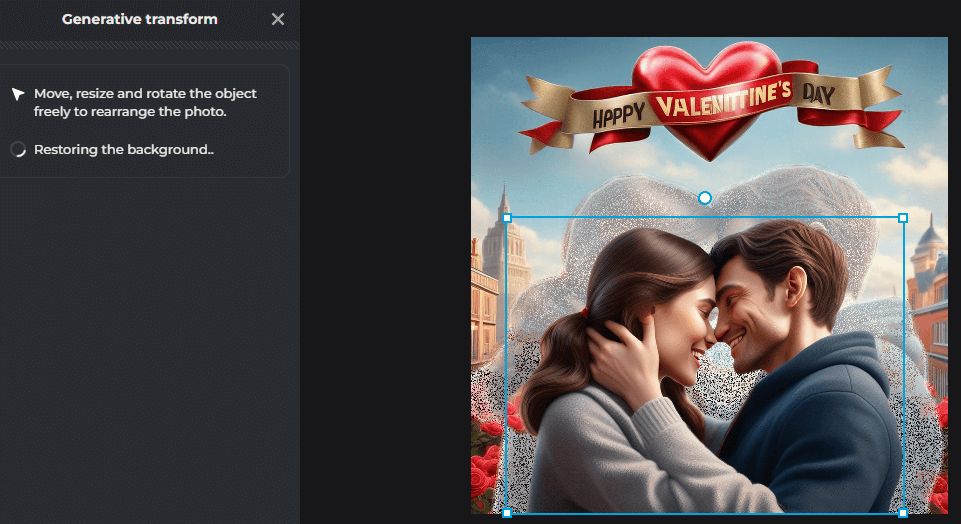
You have the freedom to resize, rotate, and move them at your discretion!
Pixlr’s Generative Expand feature revolutionizes image editing by allowing users to effortlessly extend image backgrounds, providing a seamless and efficient method to resize photos. With this advanced tool, resizing images becomes a straightforward process, offering users greater flexibility and control over the composition of their photos.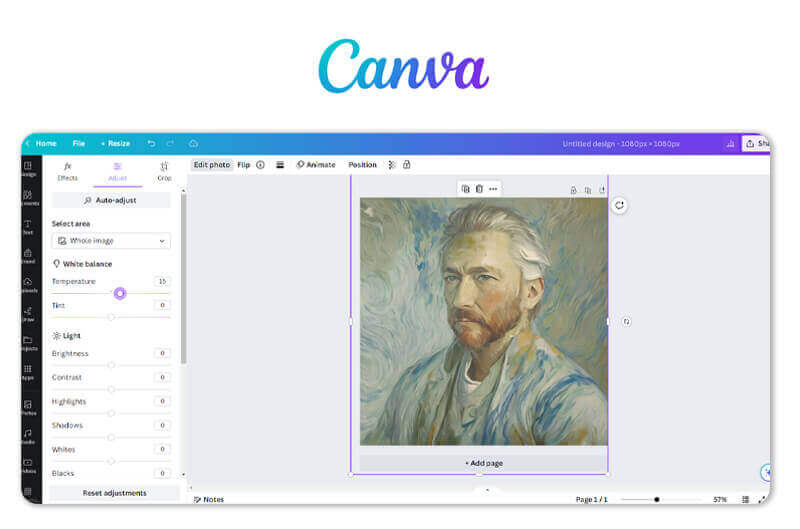
Canva seamlessly integrates design projects with powerful AI tools, allowing users to directly edit or generate images within the platform. With this innovative feature, you can effortlessly enhance your designs by incorporating AI-generated visuals, making the creative process more efficient and dynamic.
It really offers plenty of photo editing and AI image-generating tools, which might take you some time to get used to its user interface. Canva also provides a tutorial on how to use its AI tools to improve your design process. You can take a snapshot of it.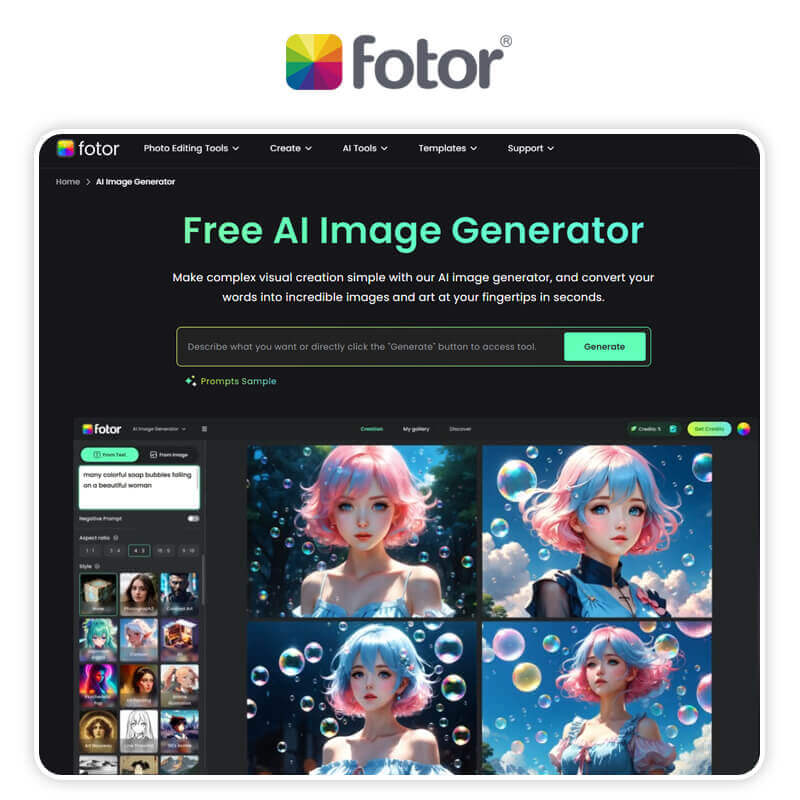
Elevate your photography game with Fotor, the ultimate free online AI photo editor. With a wide range of intelligent editing features, Fotor empowers you to transform your images into stunning works of art for free. Whether it’s retouching portraits, adding artistic effects, or designing captivating graphics, Fotor has you covered.
Fotor is committed to delivering a comprehensive online photo editing experience, offering a wide range of features. Now, they are expanding their capabilities by introducing new AI image generating tools such as the AI Art Generator and AI Photo Effect, enhancing the platform’s creative possibilities.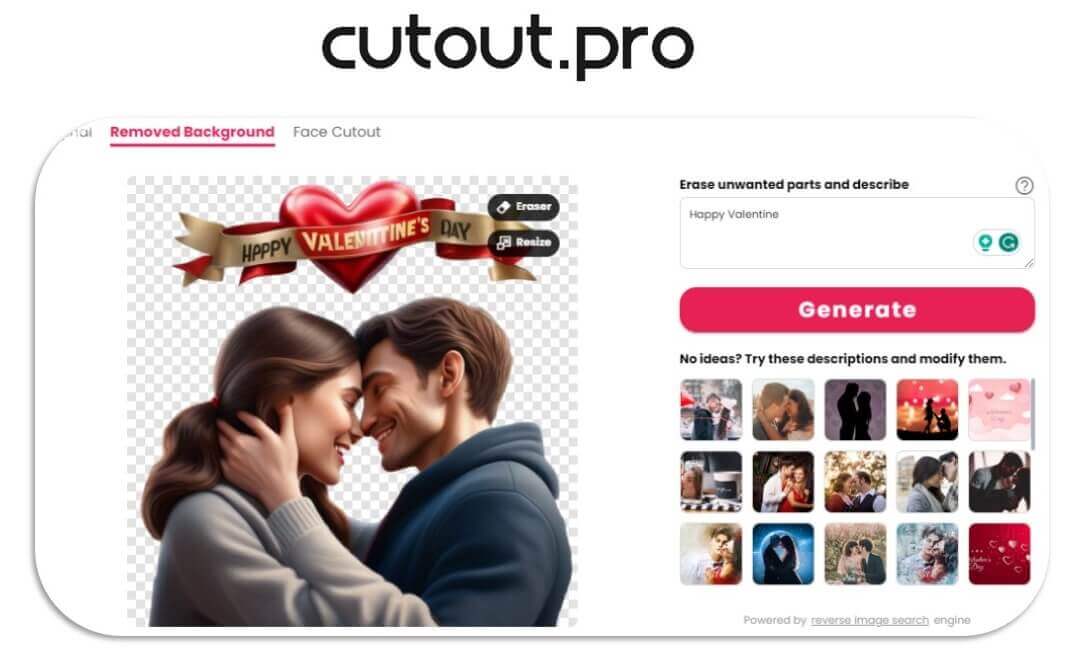
Cutout Pro’s AI Background Defusion feature is a game-changer, allowing users to seamlessly remove and generate a new background for their images with the power of artificial intelligence. This innovative tool provides a quick and efficient way to enhance visuals, offering users the ability to create stunning compositions effortlessly.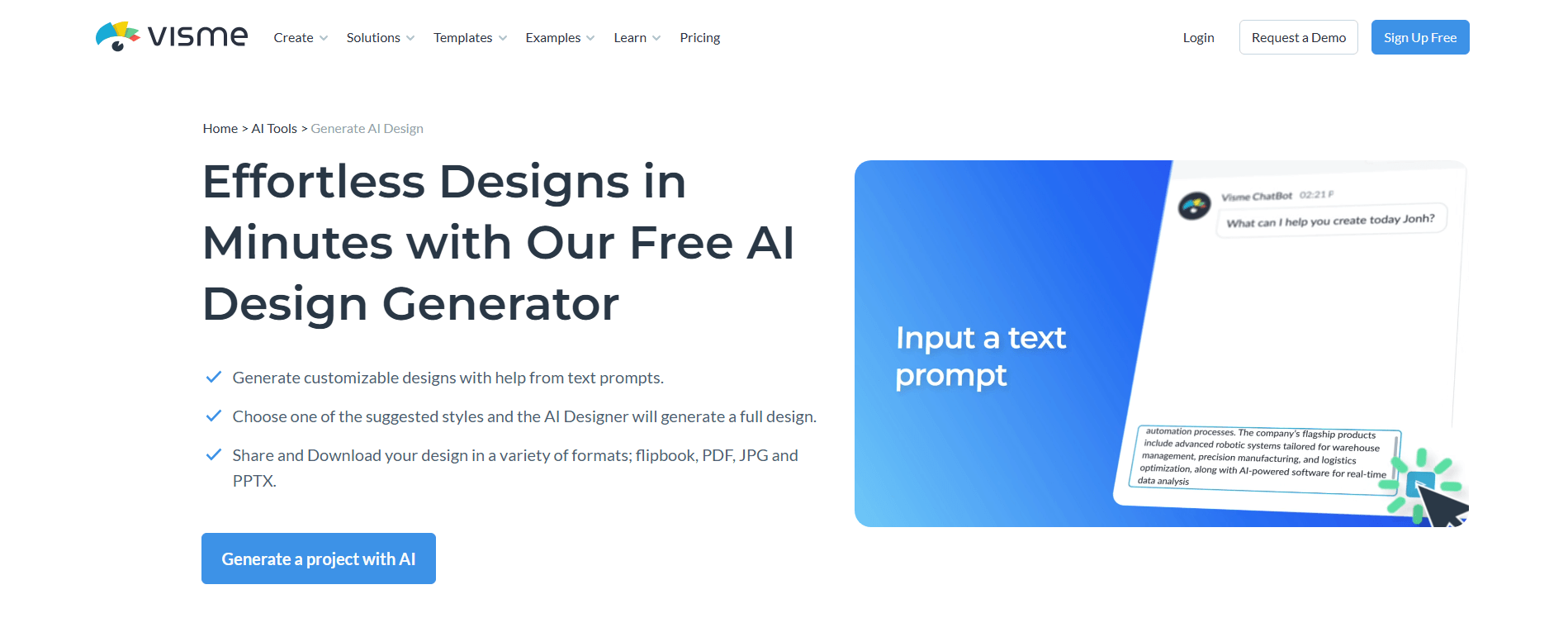
Visme blends design with AI to help you create visually striking content in just a few clicks. You can choose from a range of AI-generated suggestions and tweak them to suit your needs, offering a perfect balance between creativity and efficiency.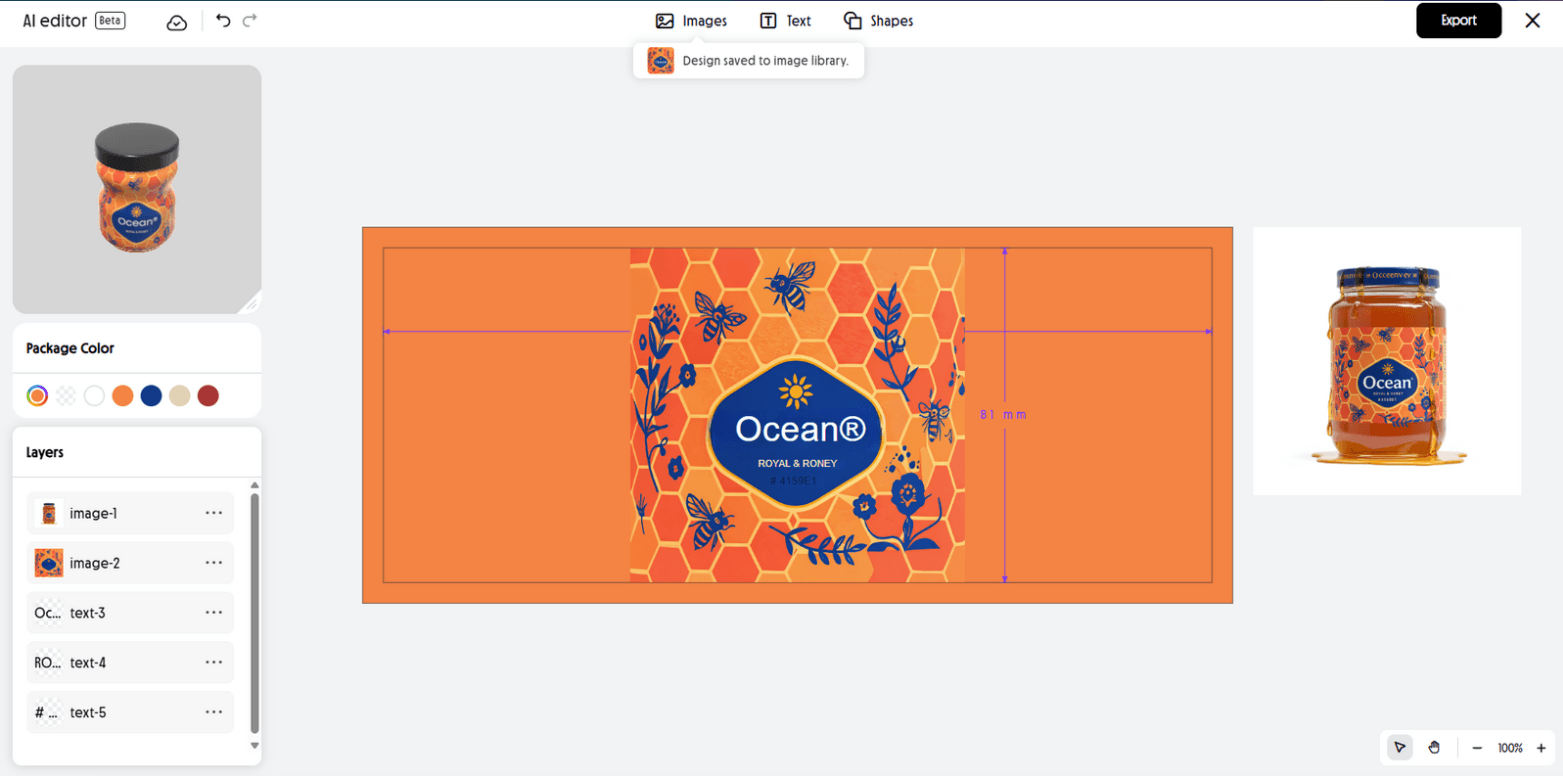
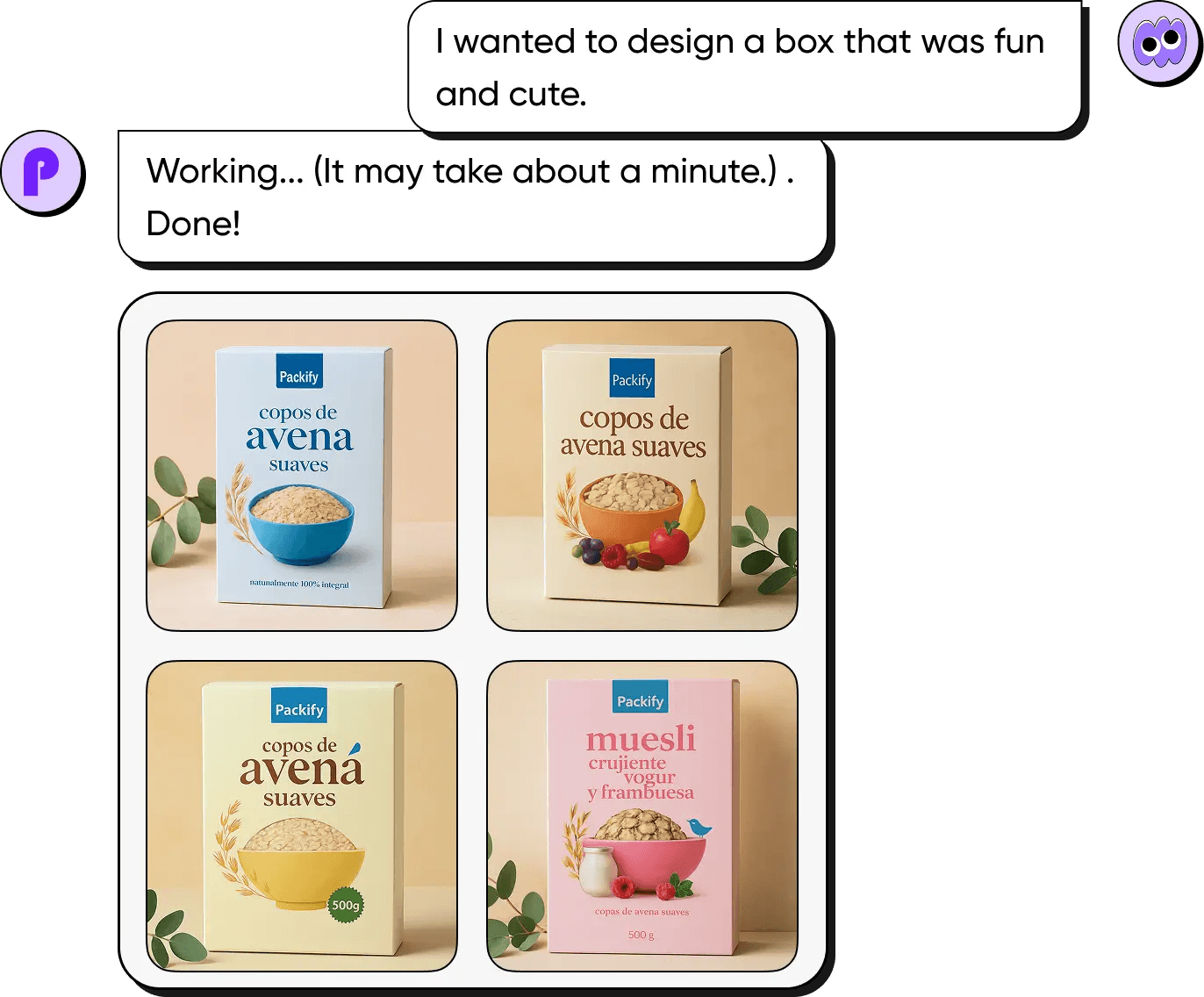
With Packify.ai, brands, designers, and creators can ideate, customize, and render packaging faster than ever, marking a breakthrough in AI-driven creative design.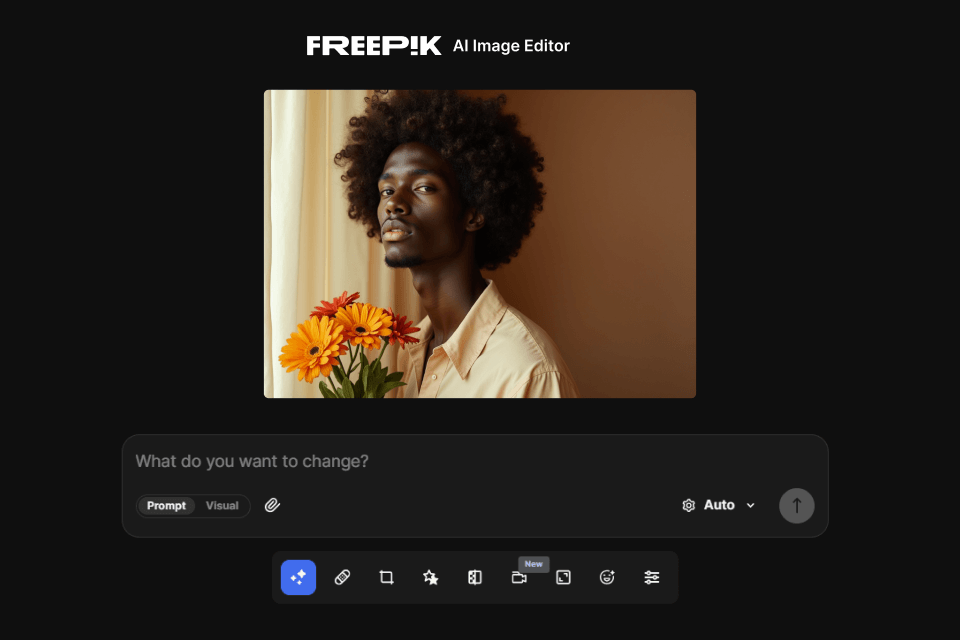
This editor is part of the Freepik AI Suite, which combines tools for generation, editing, and content refinement in one platform. It works alongside the Image Generator, Assistant, Video Generator, Clip Editor, and others. Users can shift between tools to create content, make improvements, or explore visual variations without leaving the workspace. For collaborative work, Spaces helps teams organize files, manage feedback, and streamline shared project workflows.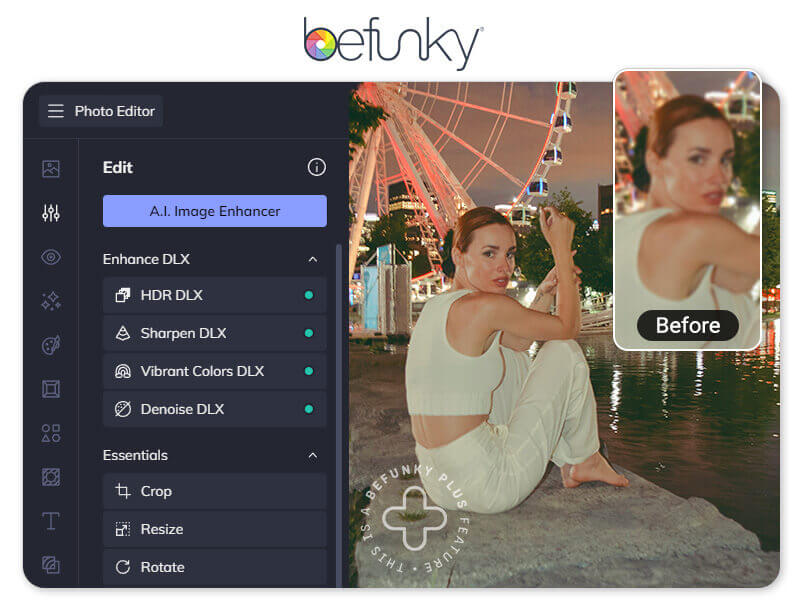
Befunky enables users to elevate their photo editing experience by offering precision in enhancing and fine-tuning images. With specialized features like Detail AI Enhancement options, the platform allows for meticulous adjustments, ensuring users achieve optimal clarity and detail in their photos.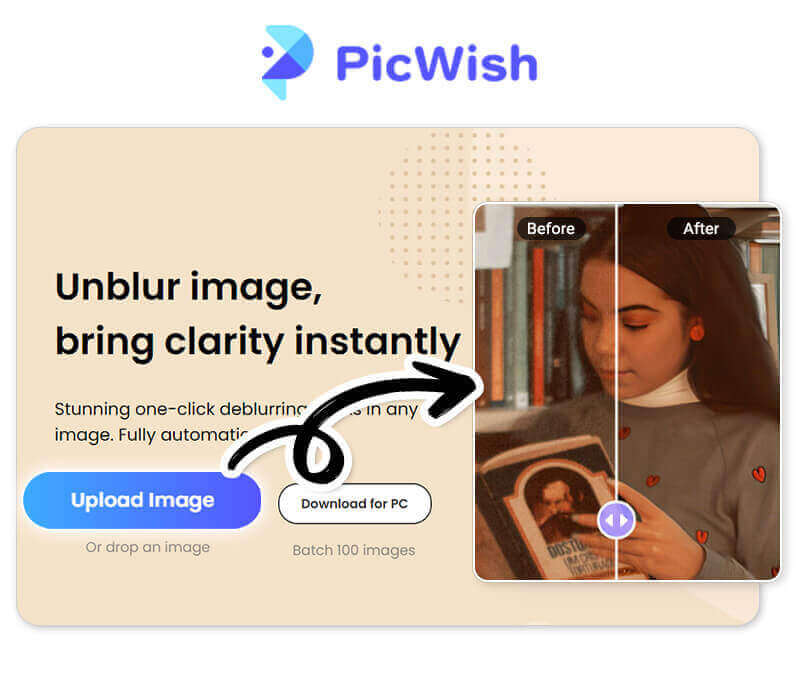
PicWish stands out as the premier AI photo retoucher, specializing in the meticulous editing of portrait photos. With its advanced technology, PicWish ensures that users can achieve the best possible results, enhancing and perfecting their portrait images with ease and precision.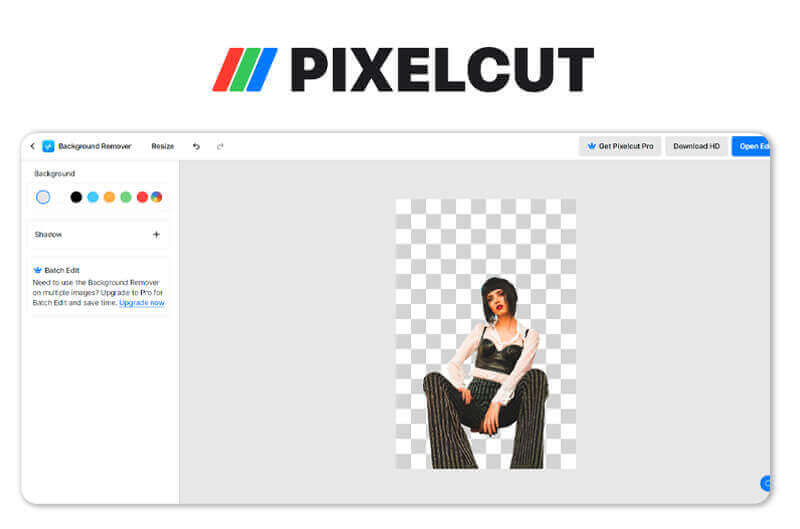
Pixelcut sets itself apart with its unparalleled precision in AI background removal, specifically tailored for portrait photography. The platform excels in delivering the most accurate and detailed results, ensuring a seamless separation of subjects from their backgrounds, enhancing the overall quality of portrait images.
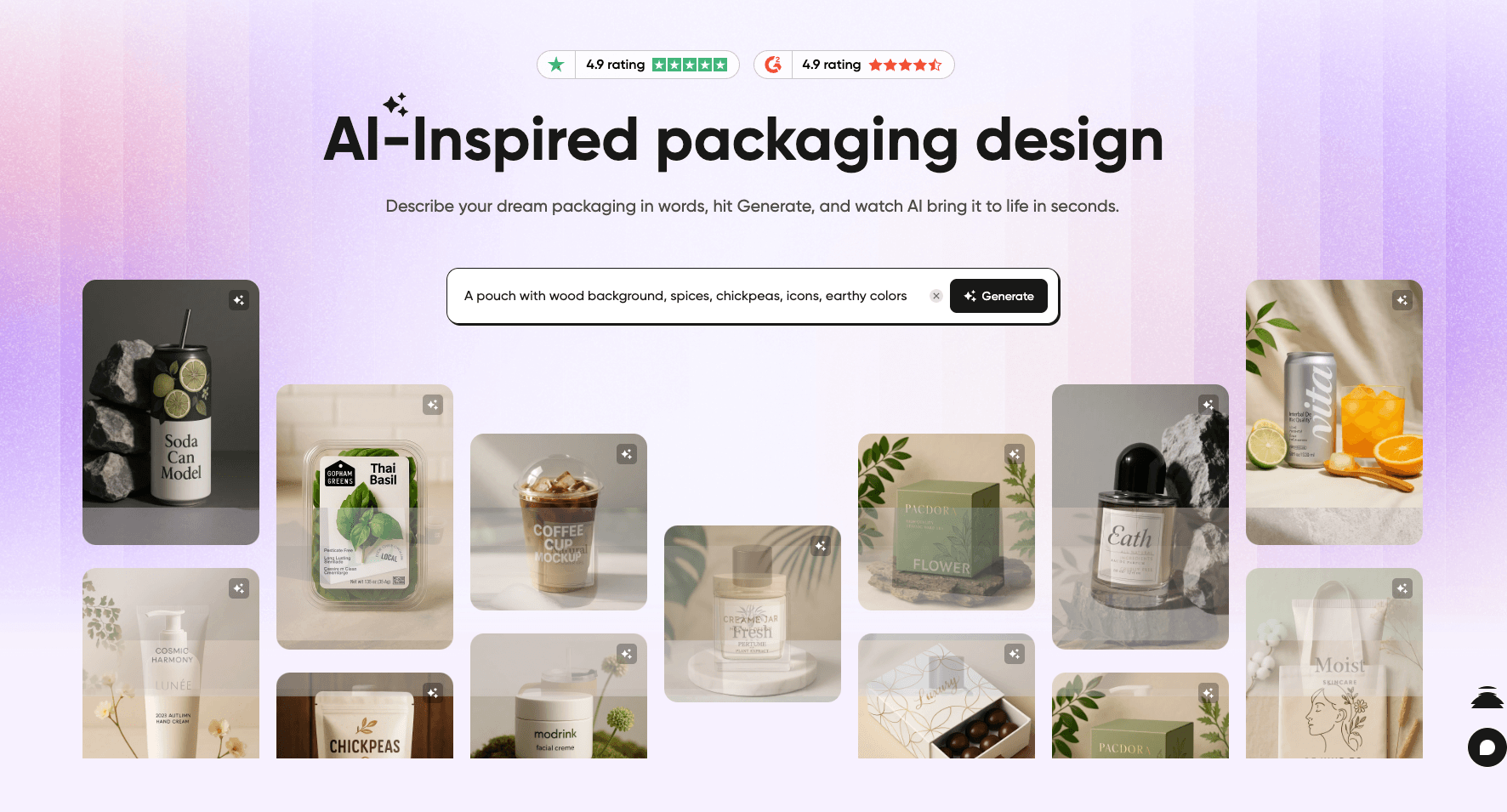
Pacdora’s AI-Inspired Packaging Design tool redefines how brands and designers create packaging. Instead of starting from scratch, you can use AI to generate unique, ready-to-use design concepts tailored to your packaging type.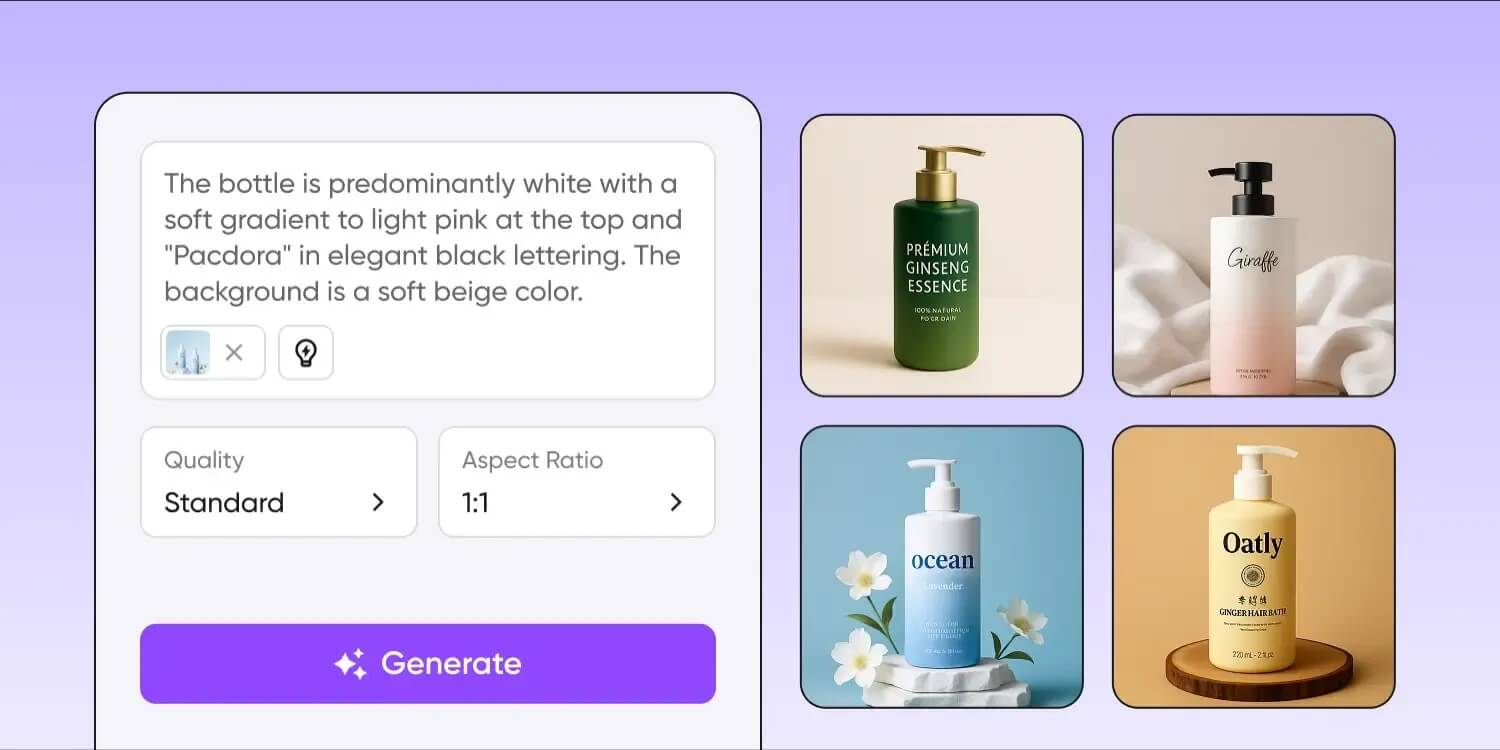
With Pacdora AI-Inspired Packaging Design, brainstorming turns into a hands-on creative process, making packaging design smarter and faster.
Are you ready to take your photo editing skills to the next level in 2026?
With the increasing availability of AI tools, especially Generative AI tools, we can save valuable time on editing photos and graphic design, freeing us from the constraints of traditional professional skills.
In addition to enjoying the convenience of using these tools, we should also consider how to cultivate greater creativity to make our work more unique and distinguished.
Start trying these AI photo editors to enhance your photo editing!
An AI photo editor is a digital tool that uses artificial intelligence algorithms to enhance and manipulate images automatically. It works by analyzing the content of a photo and making intelligent adjustments to improve its quality, such as adjusting lighting, colors, and removing imperfections.
Here are our top 14 best free online AI photo editors in Feb 2026:
If you’re in search of robust AI photo editors with Generative AI features, we recommend YouCam Online Editor (Available Online, iOS, Android), Picsart, and Pixrl as top choices due to their impressive and well-executed features.
YouCam Online Editor is a free Generative-AI photo editor available for both online and mobile users (accessible on iOS/ Android as YouCam Enhance). It provides a wide range of AI-powered photo editing and image generation features with precision, establishing itself as the most efficient and effective tool for users of all levels.
Leave a Reply